

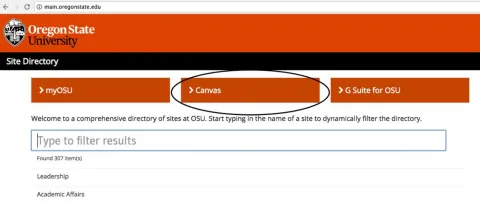
To log-in to Canvas, go to main.oregonstate.edu and click on Canvas at the top of the page.
Image
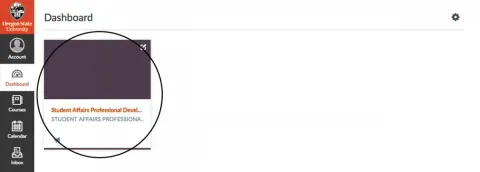
After submitting your log-in credentials, you will be brought to the Canvas dashboard. From there, select the Student Affairs Professional Development course.
Image
Once you are in the course, you will see an overview of the course sections on the main page. You can navigate to materials for each of the goals and also access information on division initiatives and general resources. It's easy to get started!
Image
